Thank you for visiting Barclay Self Storage online! We are your number one go-to storage facility for the easiest and most convenient self storage solution in Muskegon.
The rental process couldn’t be any easier! Everything is done online without ever having to step foot in an office. Our website allows you to rent storage online in minutes and access your unit immediately. Our gate hours are 6:00 am – 10:00 pm daily.
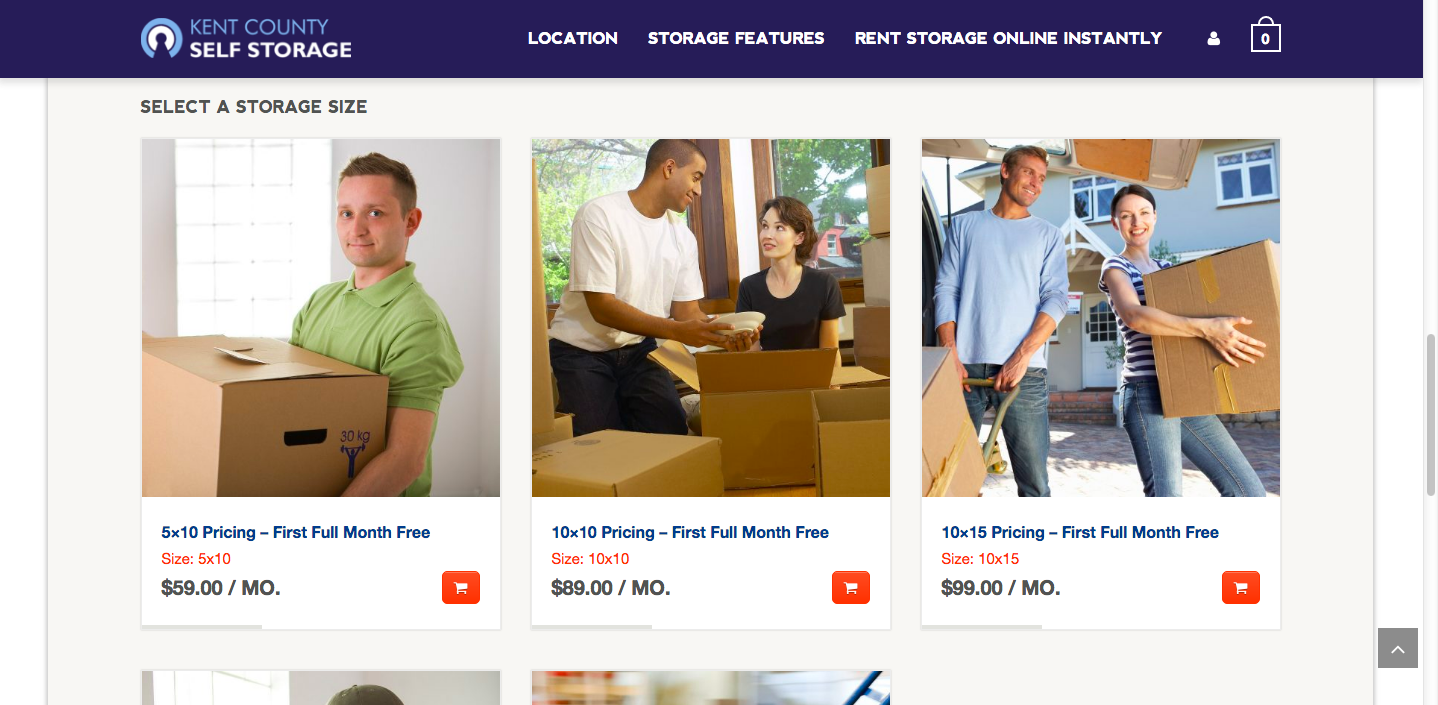
On our website homepage, we display all our sizes, prices and availability. If you’re unsure of the size you need, we have provided pictures of all sizes on our homepage. If the size you need is unavailable, simply click on the Wait List button, enter your email address when prompted, and we will notify you via email when a unit opens up.
When you’re ready to begin the easy rental process, click on the shopping cart icon under the appropriate size.
This will bring you to the checkout page:

Fill out the information required as follows:
Name, address, email and phone number – This information must be accurate and updated in your online account if the information changes. Should your account fall past due, we will use this information to contact you. If the information is incorrect and we cannot get in touch with you, you could risk losing the items in your storage unit.
Your email address will be the username for your storage account and is used to log into your online account. Be sure you have access to that email so you can reset your password if you forget it.
Account Password: This is the password you will use to log into and manage your online account. Please keep this password somewhere safe.
Credit Card Information: We accept all major credit cards, debit cards and pre-paid cards.
After you’ve entered the information required on the screen, it is very important to review the Rental Agreement. Click on the red link labeled Rental Agreement under the Rent Now button BEFORE finalizing your storage rental. You will find important information regarding our policies and requirements, as well as information regarding rental violations.
The amount due will be a pro-rated amount from the date of rental through the end of the month. Your first payment will be due on the 1st of each month thereafter. This due date is the same for all customers and cannot be changed.
Once you’ve completed your review of the rental agreement, click the Rent Now button.
You will be directed to a thank you page that looks like this:

This information will also be sent to you via email. Please be sure to save your gate code and unit number somewhere safe. If you want to access your unit after hours you will need to have your gate code with you. If you do lose your gate code it can be accessed anytime in your online account under My Rentals. Also, be sure to save your welcome email for future reference. This includes a copy of your rental agreement for your review.
At this point you can access your storage unit immediately. Some people even rent their self storage unit in minutes on their cell phone while standing outside our facility!
When you arrive at your unit, simply slide the latch to the unlock position and open the unit. (If it’s not sliding, push down on the right handle gently with your foot while you slide the latch) Don’t forget to bring a disc lock to secure your unit!
And it’s that simple! The entire process literally takes minutes and you can begin storing items inside your unit.
Should you have any questions or issues, you can call us at (231)683-2006.
We hope you decide to make your life a little easier and choose the most convenient self storage solution in the Muskegon County and the surrounding area!
Barclay Self Storage Team